
-10% on your 1st order BIENVENUE10 Delivery < 24h Secure payment Swiss company
0 CHF 0.00
REMOTE DESKTOP CAL · WINDOWS SERVER 2016 · CLÉ D'ACTIVATION

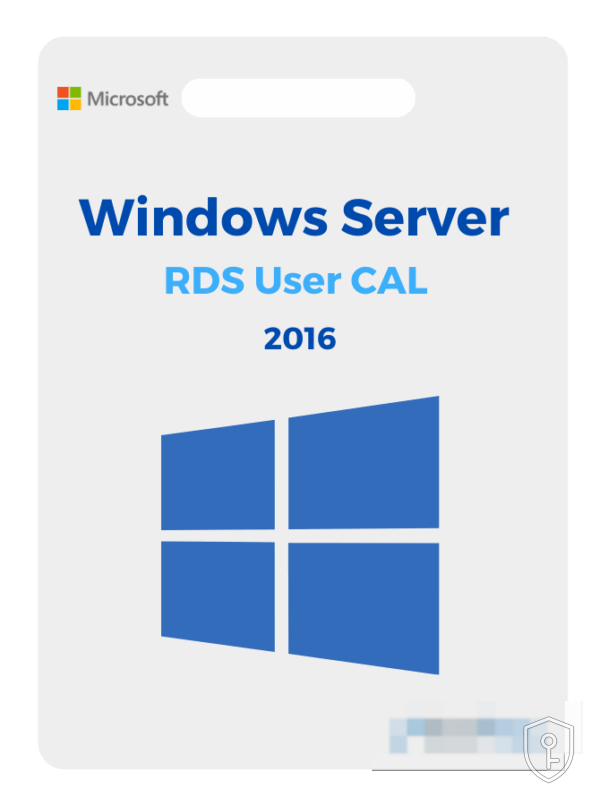
Client Access Licence (CAL) User – Remote Desktop Windows Server 2016

CHF133.00
Disponible immédiatement
  • Clé d'activation 100% originale et vérifiée
  • Reçue par e-mail : clé + guide d'installation + facture
  • Entièrement numérique — aucun support physique expédié
  • Assistance 7j/7 à l'activation (FR · DE · IT)

Maximum 3 exemplaires par commande.

Paiement sécurisé

Livraison en moins de 24h. Votre clé et le guide d'activation arrivent par e-mail après paiement.

Clé 100% authentiqueGarantie ou remboursé
Paiement sécuriséSSL · carte, TWINT
Entreprise suisseBasée à Lausanne
Support réactifChat & e-mail
CHF133.00

Description

A User CAL for the Remote Desktop Services (RDS) of Windows Server 2016 is not software: it is an access right. It authorises one named person to open a Remote Desktop session on your server, from any workstation — office PC, laptop at home, tablet on the move. It is aimed at SMEs and practices that run a business application on a central server and whose staff connect from several machines.

What a CAL is, and what it is not

  • It is not software to install on a client workstation. The key is registered only in the server's Remote Desktop licensing manager.
  • It is a legal obligation, in addition to the server licence. Windows Server 2016 must already be licensed. The CAL covers the right to access it.
  • RDS CALs are added to Windows Server CALs, they do not replace them. This is the most common confusion: a Remote Desktop session requires both.
  • It is tied to the version. A 2016 CAL covers a 2016 or earlier server, not a 2019 or 2022 server.

User or Device: how to choose

The User CAL follows the person: one member of staff, an unlimited number of devices. It is the right choice if your teams work on the move or use their own equipment. The Device CAL follows the machine: a workstation shared by several people consumes only one licence. Simple rule: license the smaller of the two counts, devices or users.

Activation

Your key reaches you by email within 24 hours at most. On the server, open the Remote Desktop Licensing Manager, activate the licence server if this has not already been done, then install the licence pack by entering the key. Then check in the Remote Desktop service properties that the licensing mode selected is indeed "Per user".

Worth knowing about Windows Server 2016

Extended support for Windows Server 2016 ends in January 2027. If your server must remain in service beyond that, plan a migration to 2019, 2022 or 2025 — the CALs will then need to be replaced with CALs of the corresponding version.

Buy an RDS CAL for Windows Server 2016 in Switzerland

CHKEY is a Swiss company based in Lausanne. Prices displayed in Swiss francs, official invoice, support in French by email and live chat. Your key is sent by email within 24h after receipt of payment.

Informations produit

RéférenceBD1-13317
CatégorieRemote Desktop CAL
DisponibilitéEn stock
LivraisonE-mail < 24h

Comment activer votre clé

Vous recevez votre clé d'activation par e-mail en moins de 24h après le paiement (souvent en quelques minutes).
Rendez-vous sur la plateforme concernée (Steam, compte Microsoft, ou le logiciel installé) et saisissez votre clé dans le champ d'activation prévu à cet effet.
La vérification et l'activation se font automatiquement. En cas de souci, notre support vous accompagne par chat en direct ou par e-mail.

Avis clients

Aucun avis pour l'instant — soyez le·la premier·ère à donner votre avis sur ce produit.

Reviews

There are no reviews yet.

Be the first to review “Client Access Licence (CAL) User – Remote Desktop Windows Server 2016”

Your email address will not be published. Required fields are marked *

Produits similaires

D'autres clés dans la même catégorie.
Voir tout