-10% on your 1st order BIENVENUE10 Delivery < 24h Secure payment Swiss company
0 CHF 0.00
VMWARE · ACTIVATION KEY

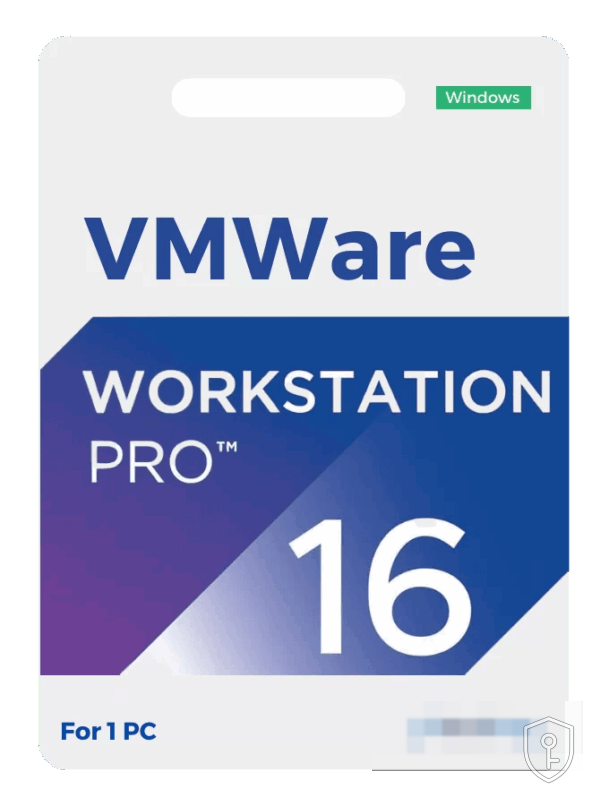
VMware Workstation Pro 16 – Desktop virtualisation licence (Windows / Linux)

CHF47.00
Immediately available
  • Activation key 100% original and verified
  • Received by email: key + installation guide + invoice
  • Fully digital — no physical media is shipped
  • 7-day support for activation (FR · DE · IT)

Maximum 3 items per order.

Secure payment

Delivery in under 24h. Your key and activation guide arrive by email after payment.

100% authentic keyGuaranteed or refunded
Secure paymentSSL · card, TWINT
Swiss companyBasée à Lausanne
Support réactifChat & email
CHF47.00

Description

VMware Workstation Pro 16 lets you run several operating systems in parallel on the same Windows or Linux computer, in the form of virtual machines. It is the reference tool for developers, system administrators, trainers and testers: you set up a complete laboratory — client, server, firewall — on a single workstation, without touching the host system.

Key features

  • Multiple virtual machines at the same time — Windows, Linux, BSD and many distributions coexist, each isolated in its own VM.
  • Snapshots and clones — freeze the state of a machine before a risky operation and roll back in a few seconds.
  • Advanced virtual networks — isolated subnets, simulation of latency and packet loss, complete network configurations on a single machine.
  • DirectX 11 and OpenGL 4.1 3D graphics — sufficient for light 3D business applications in the VMs.
  • Containers and Kubernetes — the vctl tool builds and runs containers and deploys a local Kubernetes cluster.
  • Connection to vSphere and ESXi — control remote servers and transfer VMs between the workstation and the infrastructure.
  • Up to 32 virtual processors and 128 GB of RAM per virtual machine.

Version 16 or version 17?

Version 16 is perfectly suitable if your guest systems are Windows 10, Linux or earlier versions of Windows. On the other hand, support for Windows 11 as a guest system is limited: the virtual trusted platform module (vTPM) is present but less mature. If you need to virtualise Windows 11, version 17 — with DirectX 12 and a full vTPM — is the recommended choice.

Installation and activation

The key arrives by email within 24 hours at most. Download VMware Workstation Pro 16 from the publisher's website, install it, then enter the licence key at first launch or via Help › Enter a licence key.

System requirements

An x86-64 processor from 2011 or newer with hardware virtualisation (Intel VT-x or AMD-V) enabled in the BIOS, 4 GB of RAM minimum (8 GB and more recommended), 1.2 GB for the application plus the space for the virtual machines. A 64-bit Windows 10/11 host or a recent 64-bit Linux distribution.

Buy VMware Workstation Pro 16 in Switzerland

CHKEY is a Swiss company based in Lausanne. Prices in Swiss francs, official invoice, support in French by email and live chat. Key sent by email within 24h after payment.

Product information

ReferenceBD1-13344
CategoryVMware
AvailabilityIn stock
DeliveryEmail < 24h

How to activate your key

You receive your activation key by email within 24h of payment (often within minutes).
Go to the relevant platform (Steam, Microsoft account, or the installed software) and enter your key in the activation field provided.
Verification and activation happen automatically. If you run into any issue, our support team can help via live chat or email.

Customer reviews

No reviews yet — be the first to review this product.

Reviews

There are no reviews yet.

Be the first to review “VMware Workstation Pro 16 – Desktop virtualisation licence (Windows / Linux)”

Your email address will not be published. Required fields are marked *